Chest opened
+${chestReward.xp} XP
Explorer
NOUVEAU ×${chestReward.collectible.quantity}
tapez pour fermer

See the monuments around you in AR Open chests in the app

Around Us is built for your phone — point your camera at the streets and discover the monuments and places around you in augmented reality. Around Us is built for your phone — chests unlock when you walk, explore and capture nearby places.

•

Enable Location

We need your location to show you interesting places around you

Discover nearby places

Find interesting locations and hidden gems around you

Precise directions

Get accurate directions and distances to places

Your location is never shared with other users. It's only used when you tap the location button.

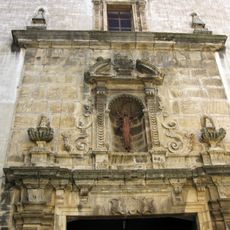
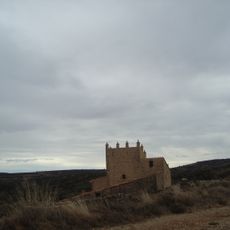
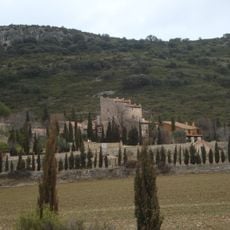
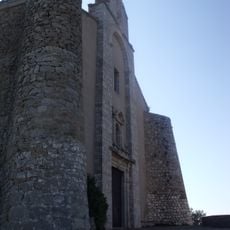
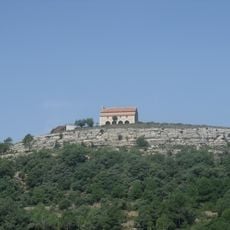
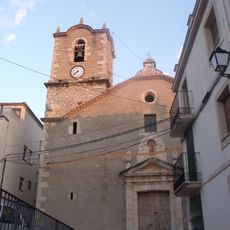
Culla Castle and Walls

Log in to your account

Start exploring — it's free

Trusted by 95,382 travelers worldwide

Continue with Google
Continue with Apple
or

We will send you a code to connect

By continuing, you accept our Terms and Conditions and our Privacy Policy

Check your inbox

We've sent a pincode in your inbox. Please enter the code below.

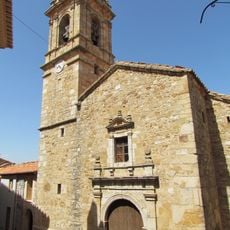
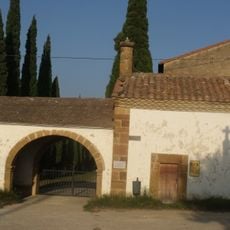
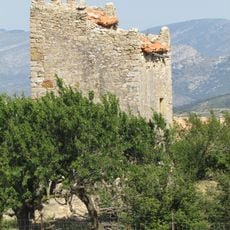
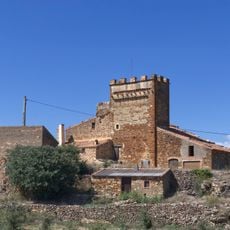
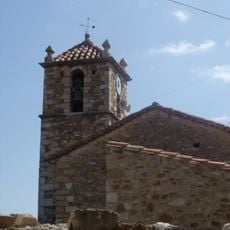
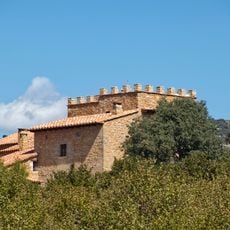
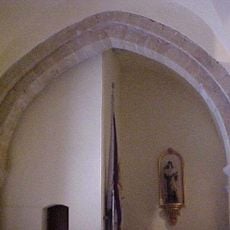
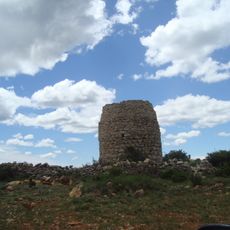
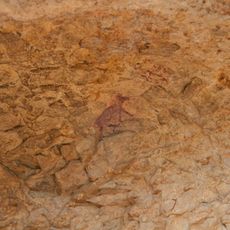
Culla Castle and Walls, Medieval fortification in Culla, Spain

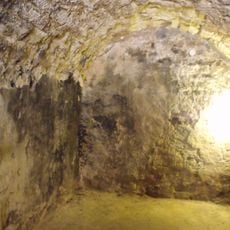
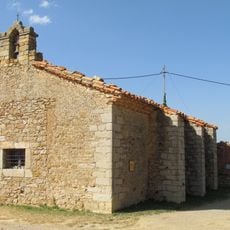
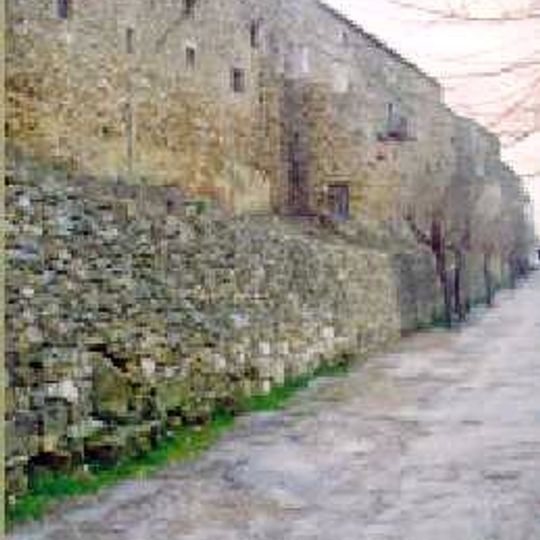
Culla Castle is a medieval fortification whose irregular layout adapts to the natural shape of the rocky hillside, incorporating three distinct fortified sections. The structure follows this terrain to maximize protection and control of the surrounding landscape.

Culla was under Arab rule until 1233, when Blasco de Alagón conquered it and granted a town charter in 1244. The castle itself is considered to date from the 12th-century Arab period, while the walls were built later under the Alagón and Anglesola families. Around 1303 the site passed to the Knights Templar and then to the Order of Montesa. In 1345 the Setena de Culla, a seven-town herding community, bought grazing and forest rights from Montesa and operated until the mid-19th century. The castle was destroyed during the Carlist Wars.

The walls preserve the coat of arms of the Order of Montesa, which took over from the Templars around 1303. In 1345 seven villages formed the Setena de Culla, buying grazing and forest rights from Montesa; the association lasted until the mid-19th century.

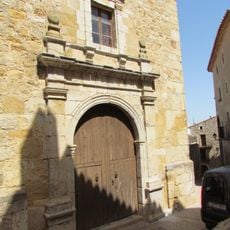
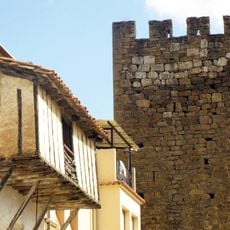
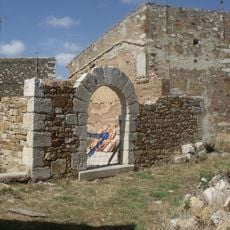
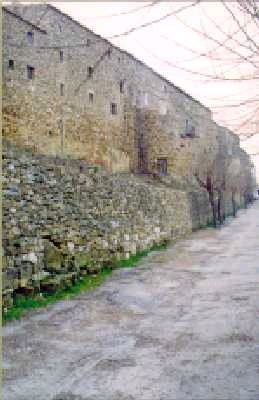
The walls survive mainly as foundations and walls of houses in the old town, so the remains are seen by walking the streets rather than at a single gate. The Torre del Frare Pere, 13th-century towers, the barbican entrance and the Montesa coats of arms are the elements to locate. The castle stood on the highest part of the muela, above the village.

The fortress includes a barbican entrance system, a sophisticated defensive structure that created an extra gatehouse chamber before the main gate. This detail reveals how medieval castle builders controlled access to slow down and confuse attackers.

The community of curious travelers

AroundUs brings together thousands of curated places, local tips, and hidden gems, enriched daily by 95,382 contributors worldwide.
Start exploring
Location
GPS coordinates
40.33790,-0.16651
Latest update
October 31, 2026 16:41
Reviews
Share your experience

No review yet

Discussions
Start a discussion...

No discussion yet

« Culla Castle and Walls - Medieval fortification in Culla, Spain » is provided by Around Us (aroundus.com). Images and texts are derived from Wikimedia project under a Creative Commons license. You are allowed to copy, distribute, and modify copies of this page, under the conditions set by the license, as long as this note is clearly visible.

Discover hidden gems everywhere you go!

From secret cafés to breathtaking viewpoints, skip the crowded tourist spots and find places that match your style. Our app makes it easy with voice search, smart filtering, route optimization, and insider tips from travelers worldwide. Download now for the complete mobile experience.
Around Us App Screenshot
❝

A unique approach to discovering new places❞

— Le Figaro

❝

All the places worth exploring❞

— France Info

❝

A tailor-made excursion in just a few clicks❞

— 20 Minutes

Around Us
Travel Guide & Maps
Download

Send to your phone

QR Code
1

Open the camera app on your mobile.

2

Point at the QR code with your camera. A notification will appear.

3

Tap the notification to open the link.