Chest opened
+${chestReward.xp} XP
Explorer
NOUVEAU ×${chestReward.collectible.quantity}
tapez pour fermer
Chest locked

Open chests in the app

Around Us is built for your phone — chests unlock when you walk, explore and capture nearby places.

Enable Location

We need your location to show you interesting places around you

Discover nearby places

Find interesting locations and hidden gems around you

Precise directions

Get accurate directions and distances to places

Your location is never shared with other users. It's only used when you tap the location button.

Log in to your account

Start exploring — it's free

Trusted by 72,900 travelers worldwide

Continue with Google
Continue with Apple
or

We will send you a code to connect

By continuing, you accept our Terms and Conditions and our Privacy Policy

Check your inbox

We've sent a pincode in your inbox. Please enter the code below.

Jamalpur community development block
Discussion Reviews Photo
5k Popularity

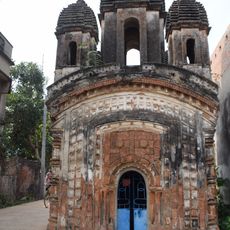
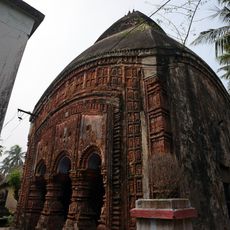
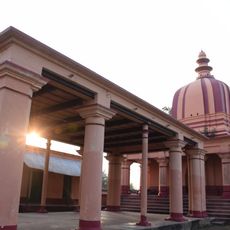
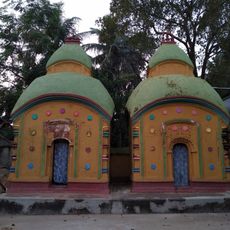
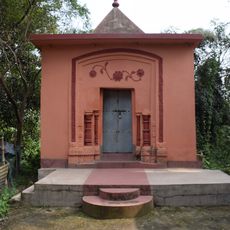
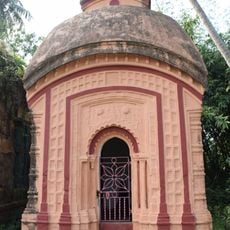
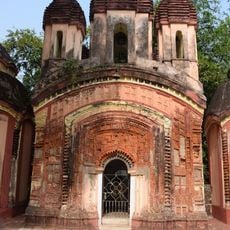
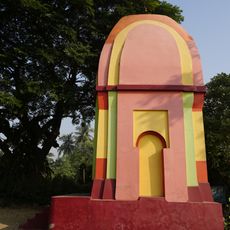
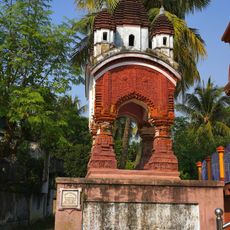
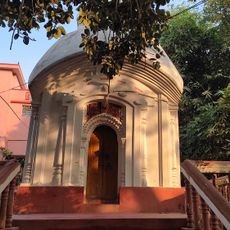
Jamalpur community development block, Administrative block in Bardhaman Sadar South subdivision, India

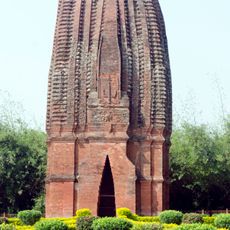
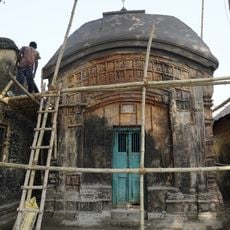
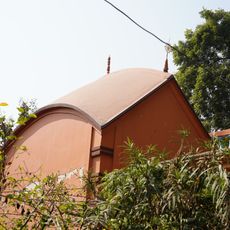
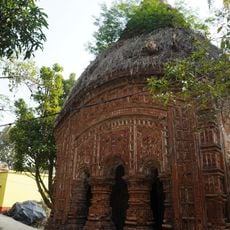
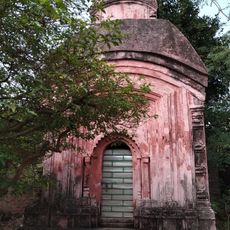
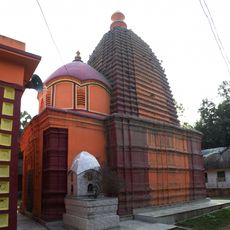
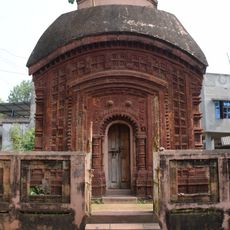
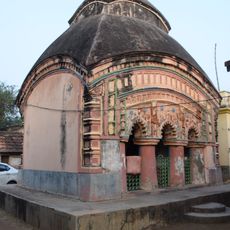
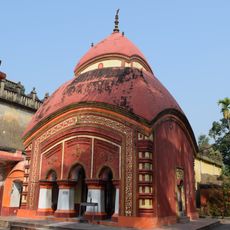
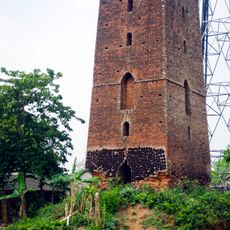
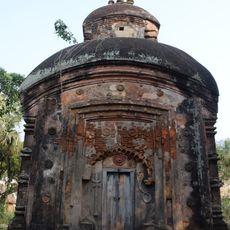
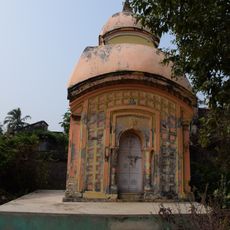
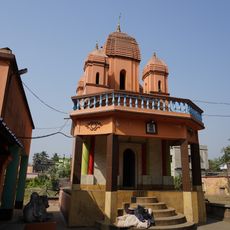
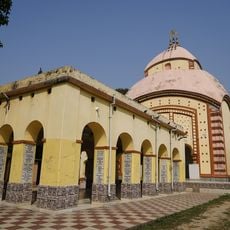
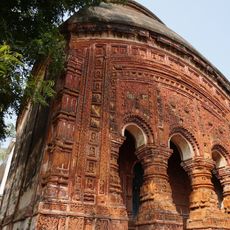
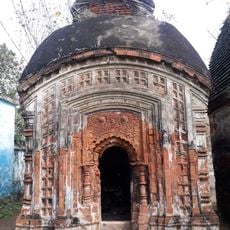
Jamalpur community development block is a rural administrative unit in Bardhaman Sadar South subdivision, Purba Bardhaman district, West Bengal, India. It covers a group of villages linked by local roads and managed from a central administrative office that handles rural governance for the area.

The area was historically known as Salimabad and was recorded in Peterson's District Gazetteer of 1910 as a police station within Bardhaman subdivision. Over the following decades, it gradually took shape as a rural administrative block under the governance reforms that followed Indian independence.

Bengali language and Hindu traditions shape daily life across most villages in the block, with local festivals marking the rhythm of the year. A Muslim minority has long been part of the community, and their presence is visible in the mosques and small shrines scattered through the area.

The block is reached by paved roads, with local buses and shared vehicles connecting most villages in the area. Basic services such as electricity and water are available across the settlements, though travelers should expect a rural setting with limited amenities.

The old name Salimabad points to a Persian-influenced naming tradition, suggesting the area had a notable Muslim administrative presence at some point in its past. The current name Jamalpur also carries Arabic and Persian roots, which shows how this layer of history still echoes in the place names of the region today.

The community of curious travelers

AroundUs brings together thousands of curated places, local tips, and hidden gems, enriched daily by 60,000 contributors worldwide.

Start exploring
Elevation above the sea
21 m
Shares border with
Memari I community development block, Dhaniakhali community development block, Raina II community development block, Raina I community development block, Burdwan II community development block
GPS coordinates
23.06667,87.98333
Latest update
March 3, 2026 08:15
Reviews
Share your experience

No review yet

Discussions
Start a discussion...

No discussion yet

« Jamalpur community development block - Administrative block in Bardhaman Sadar South subdivision, India » is provided by Around Us (aroundus.com). Images and texts are derived from Wikimedia project under a Creative Commons license. You are allowed to copy, distribute, and modify copies of this page, under the conditions set by the license, as long as this note is clearly visible.

Discover hidden gems everywhere you go!

From secret cafés to breathtaking viewpoints, skip the crowded tourist spots and find places that match your style. Our app makes it easy with voice search, smart filtering, route optimization, and insider tips from travelers worldwide. Download now for the complete mobile experience.
Around Us App Screenshot

A unique approach to discovering new places

Le Figaro

All the places worth exploring

France Info

A tailor-made excursion in just a few clicks

20 Minutes

Around Us
Travel Guide & Maps
Download

Send to your phone

QR Code
1

Open the camera app on your mobile.

2

Point at the QR code with your camera. A notification will appear.

3

Tap the notification to open the link.